
First, use the browser to open the Default parameter set in Examples.upr.

Click the Browse button in the Formula tab of the Layer Properties tool window to select the Pixel formula in Standard.ufm.
Image import in Ultra Fractal works via image parameters in formulas, typically coloring algorithms. This lets you do much more with imported images than just adding them as a separate layer. However, it also might make it a little less obvious how to use them.
As a starting point, let's load an image such that it fills the entire layer.
|
First, use the browser to open the Default parameter set in Examples.upr. |
|
|
Click the Browse button in the Formula tab of the Layer Properties tool window to select the Pixel formula in Standard.ufm. |
|
|
Go to the Outside tab in the Layer Properties tool window, and click the Browse button here to select the Image coloring algorithm in Standard.ucl. |
The Image coloring algorithm contains a single image parameter. It fills the entire layer with the selected image. Currently, no image is selected, so the image parameter shows up as a rectangular box with the text (Empty).
 |
Click the Open button to select an image on your computer, for example the Rice.jpg image that comes with Ultra Fractal. Hold down the Open button to open a menu with the option to clear the image. |
The image parameter now shows a preview of the selected image:
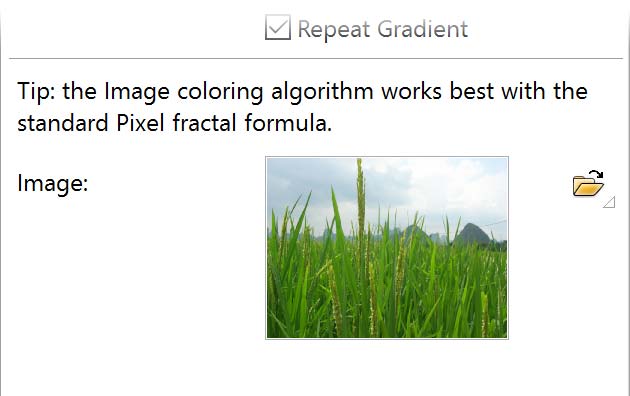
In the fractal window, the image is now shown, but it is moved slightly to the right. This occurs because the location of the layer is still set to the default Mandelbrot location.
 |
On the Location tab of the Layer Properties tool window, click the Reset Location button to reset the location to the default for the currently loaded Pixel formula. |