The help file "Rendering the animation" says for compression to use the Cinepak Codec by Radius for Windows. My list of compressions is
(Uncompressed)
Logitech Video (I420)
Intel IYUV Codec
Microsoft RLE
Microsoft Video 1
Microsoft YUV
Microsoft YUV
Toshiba YUV Codec
Microsoft YUV
(Yes, Microsoft YUV is there three times.)
For a
I happened to find out that certain formulas can no longer be used in UF5. This applies to mmf.ufm. In UF6 is a totally new series mmf.ufm.
I don't know if it applies to more formulas.
Now two examples with just two layers, a top layer for the lines and a bottom layer to color the cells. Here’s one with 200 rectangles. Because cells are colored with index equal to n/Nmax, shuffling the colors often gives a more pleasing result.
alt="5fab29ce64b66.jpg">
200Rectangles {
::fPzc0hn2tT1yutNMQw7Gw/DE6udkYEtiTBPU72EgAHggkDJ9UAj0KLmQRKQRna/33VP8jaJn
2zt5m0s7O7SyZ
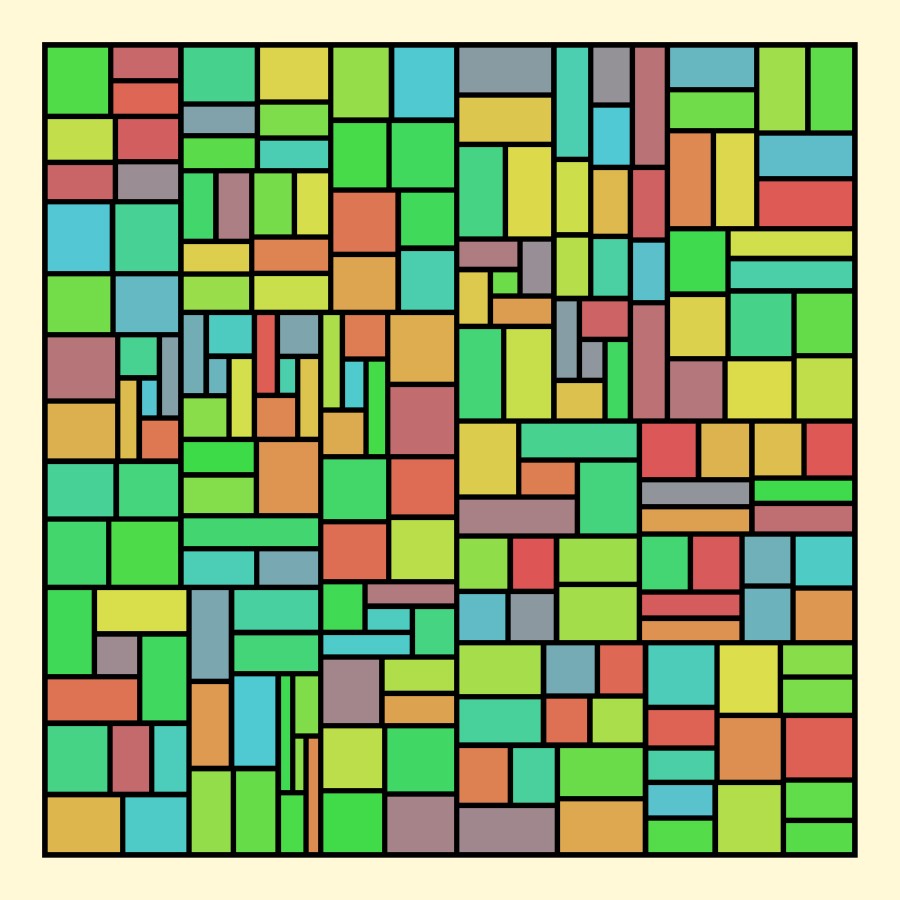
Years ago, rkb.ulb included code that allowed the making of Mondrian-type images, but it is no longer in that file. I thought about this for a long time and decided to develop such code, though mine is totally different. (The rkb code used Trap Shape, and mine is entirely in the outside coloring.) Here’s an example of the result. Not as good as Mondrian’s, but reminiscent. And not at
In the Range field of the Exploring tab, I can't enter a number like 1e-7 or 1e5. However, if I enter .00001, UF changes this to 1e-5 and I can edit the number.
Also in the Range field, I can't enter a number like 1.5, as the decimal point is immediately deleted. However, I can enter .5, which UF changes to 0.5, and I can then change the 0 to 1.
This behavior seems limited to the Range fi
JVYV
posted Nov 2 '20 at 9:41 am
Hi all,
Sorry but no fractals this month.
You can find the older collections at the cloud of Microsoft:
https://onedrive.live.com/redir?resid=2AB35EAF574CA6CE!1034&authkey=!ALIZio6ZmgV1aAo&ithint=folder%2ctxt
Greetings from Belgium,
Jan Vyvey
I'm debugging a new formula. All the printing so far is in the constructor. I get many more lines of printing than I expected, some of the same things over and over.
I thought that the constructor was only invoked once.
When is it really invoked? How can I avoid the excess printing?
JVYV
posted Oct 1 '20 at 12:15 pm
Hi All,
There were three fractals last month.
You can find them and the older collections at the cloud of Microsoft:
https://onedrive.live.com/redir?resid=2AB35EAF574CA6CE!1034&authkey=!ALIZio6ZmgV1aAo&ithint=folder%2ctxt
Greetings from Belgium,
Jan Vyvey
I have been working for some time on ways to generate new fractal shapes, and also to be able to switch easily from Mandelbrot type (M-type) to Julia type (J-type). Here is what I’ve come up with.
UltraFractal formulas usually depend on two complex values, z and c. Usually z starts with the pixel value and changes throughout the iterations. Usually c does not change with the iterations; for
I have a square fractal, say 600x600 in the UF6 window. If I change it to 900x600 in the Image tab, the apparent magnification changes. I want to make it wider without changing the center or the apparent magnification. Is there a formula for changing Magnification in the Location tab that will do this?
I'm very pleased to announce the release of Ultra Fractal 6.03 for Windows and macOS today. In addition to bug fixes and small improvements, this update adds full support for Dark Mode on macOS 10.14 (Mojave) and beyond. The update is free for existing version 6 users.
Download here:
https://www.ultrafractal.com/download/
Here are the release notes with a full list of changes:
https
Phillip
posted Sep 7 '20 at 6:06 pm
Hello,
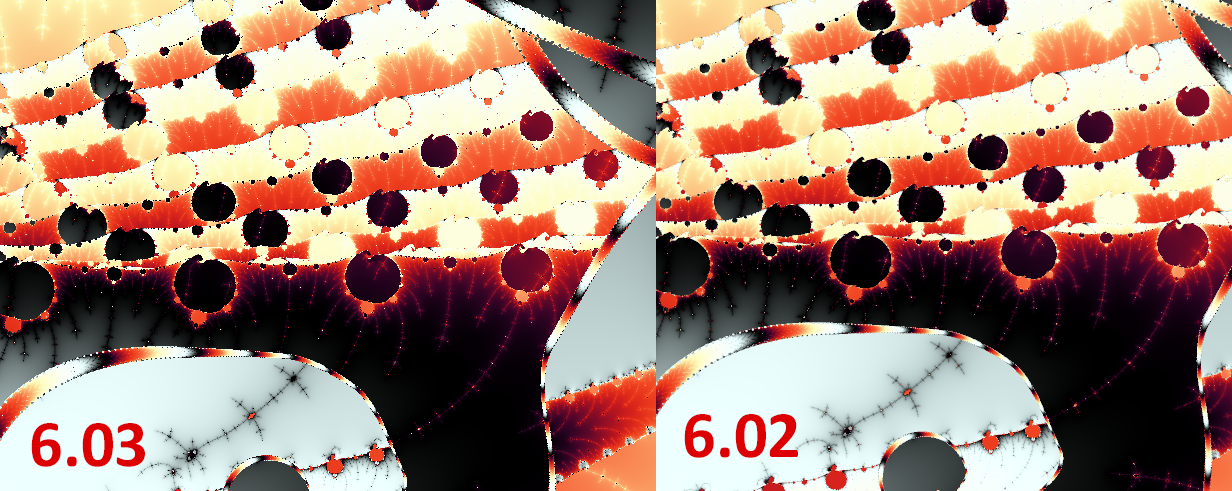
I'm pretty sure this isn't intentional. The anti-aliasing in the working window has become noticeably worse in the latest version, to the point that I had to double check whether it was active at all. Here's an example comparison:
It's even more obvious with the default image, but i haven't saved a copy of that from the older version.
Best regards,
Phillip
Phillip
posted Sep 1 '20 at 12:02 pm
Hello,
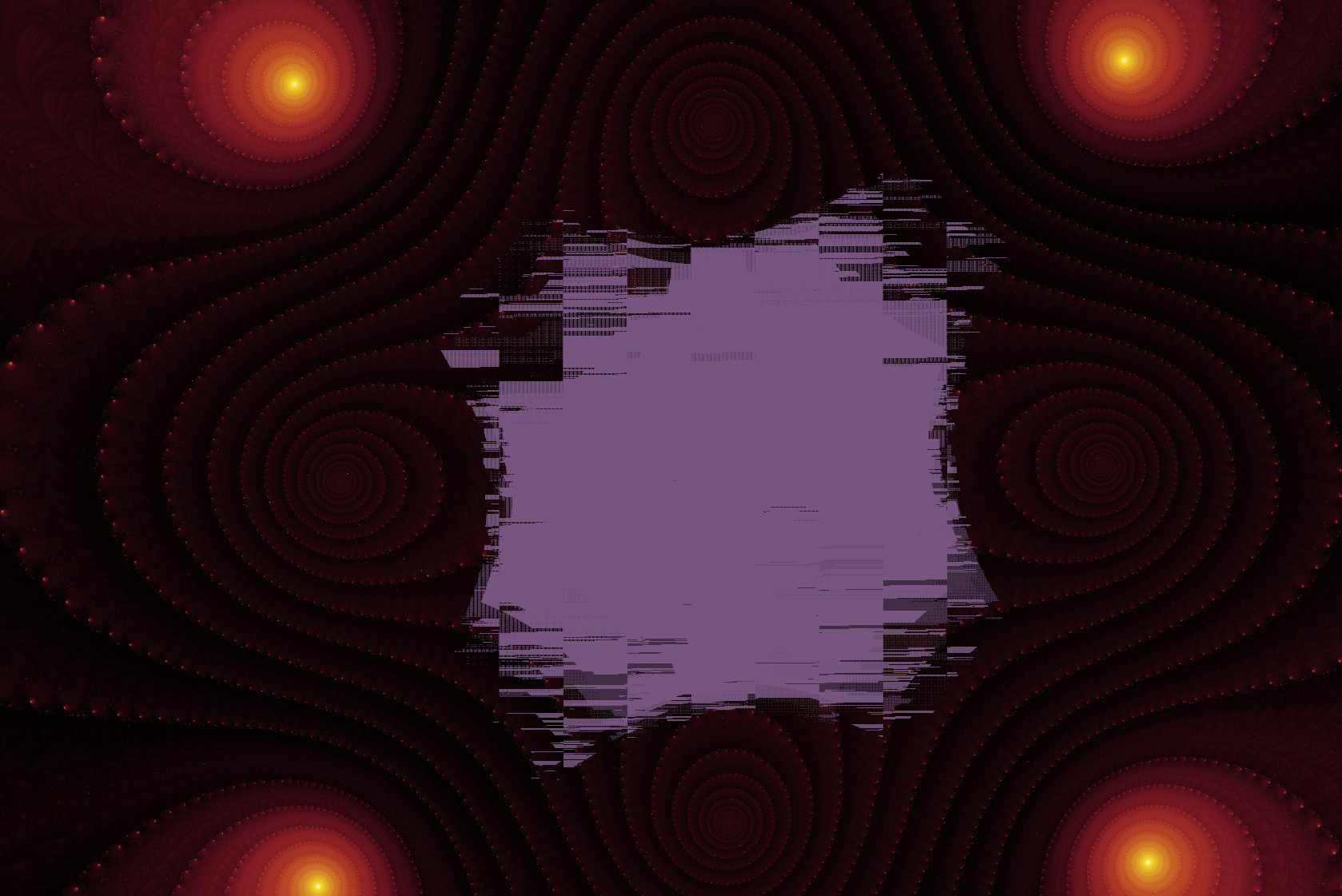
I was about to explore the Mandelbrot set when I ran into a glitch while rendering. It looks exactly like the kind of artifact I get when periodicity checking fails. I can usually just turn it of, but this was using perturbation (precise).
Here's an image:
The problem occurs only in one of the two layers (the one that uses Triangle Inequality Average)
Parameters:
gl
Phillip
posted Sep 1 '20 at 12:07 pm
Hello,
I recently worked on a few relatively slow rendering fractals and I frequently run into previews that take serveral minutes to render. However, I can already see what I want and I would like to use the explorer to change parameters. I know I can turn off AA and/or change the size of the image too.
It would be awesome if we had a button to pause the automatic rendering of the previe
It turns out that some combinations of formulas don't render properly unless Periodicity Checking is Off.
A word to the wise ...
JVYV
posted Aug 31 '20 at 5:09 pm
Hi All,
There were six fractals last month.
You can find them and the older collections at the cloud of Microsoft:
https://onedrive.live.com/redir?resid=2AB35EAF574CA6CE!1034&authkey=!ALIZio6ZmgV1aAo&ithint=folder%2ctxt
Greetings from Belgium,
Jan Vyvey
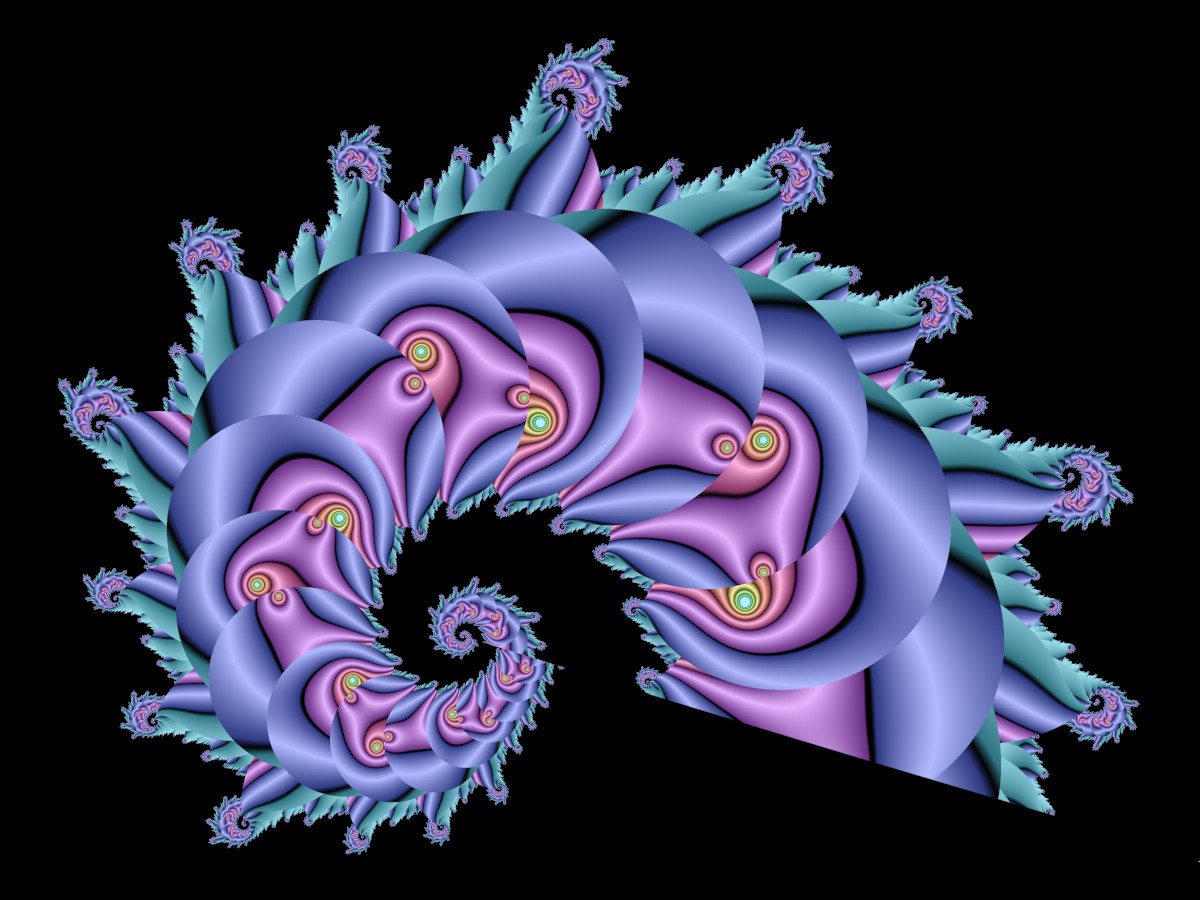
Example 2 also uses Power as the Initial Formula, but Two Formulas as the Main Formula. Formula #1 is a J-type Lambda, and Formula #2 is an M-type Lambda. Bailout is Divergence. Different bailout types give different results.
SwitchComboExample2 {
::hBTayin2ti1SPOqRQ47j08fAxpkD2muA6G2IuszOZlWtRKSTOlLWthG7eDvE0emx7v+U8GM4
xGncymqqv6V3fFdTYO3Xxj+0jPoppkqIhn+LvJV+HeKNeX6zvzjziEgu2b
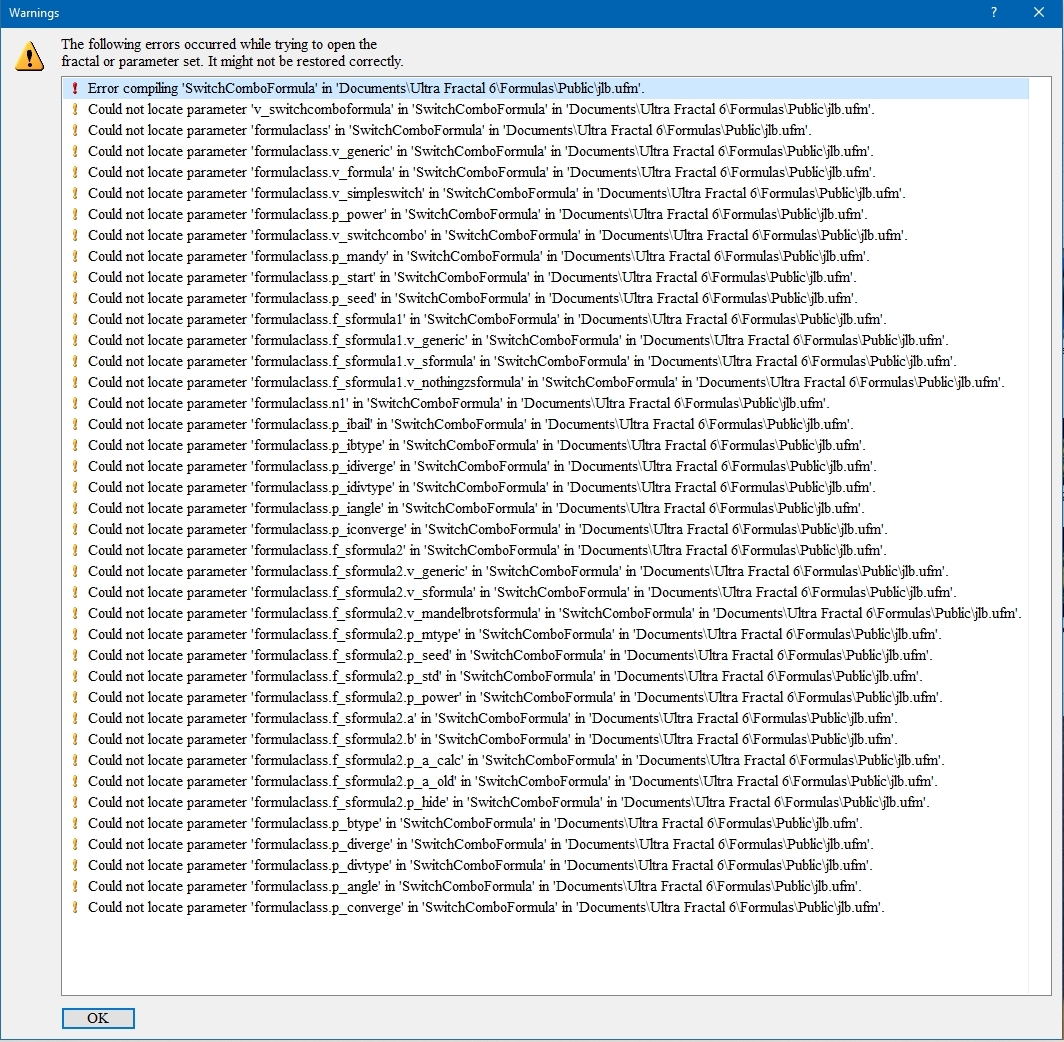
My default upr uses SwitchComboFormula in jlb.ufm plus JLB_SwitchFormula, JLB_SwitchCombo, and JLB_MandelbrotSFormula in jlb.ulb. I had a typo in the Mandelbrot,
default = 1"
in a parameter block. When starting up UF, I got a large number of confusing and not helpful error messages, as in the screen shot below.
When the (blank) fractal loaded, I clicked on the top line, SwitchCombo
gerrit
posted Aug 2 '20 at 7:26 pm
This .upr runs in a few seconds at 640X360.
On 6.02 it takes about 3 hours at 19200X10800 (no AA).
On 4.03 it takes about 10 mins at 19200X10800 (no AA).
dot25 {
fractal:
title="dot25" width=640 height=360 layers=1
credits=""
layer:
caption="Background" opacity=100 method=multipass
mapping:
center=0/0 magn=1.3
formula:
maxiter=1000000000 filename="Standard.ufm" entry="FastJuli
JVYV
posted Aug 2 '20 at 1:56 pm
Hi All,
There were five fractals last month.
You can find them and the older collections at the cloud of Microsoft:
https://onedrive.live.com/redir?resid=2AB35EAF574CA6CE!1034&authkey=!ALIZio6ZmgV1aAo&ithint=folder%2ctxt
Greetings from Belgium,
Jan Vyvey
Phillip
posted Jul 25 '20 at 7:44 pm
Hello!
I have been lurking here for quite a while, with only the occasional post, but over the years I have spent lots of hours in UF, and I enjoy it a lot. What got me into UF originally, was the fact that I can write my own formulas, which I have repeatedly done.
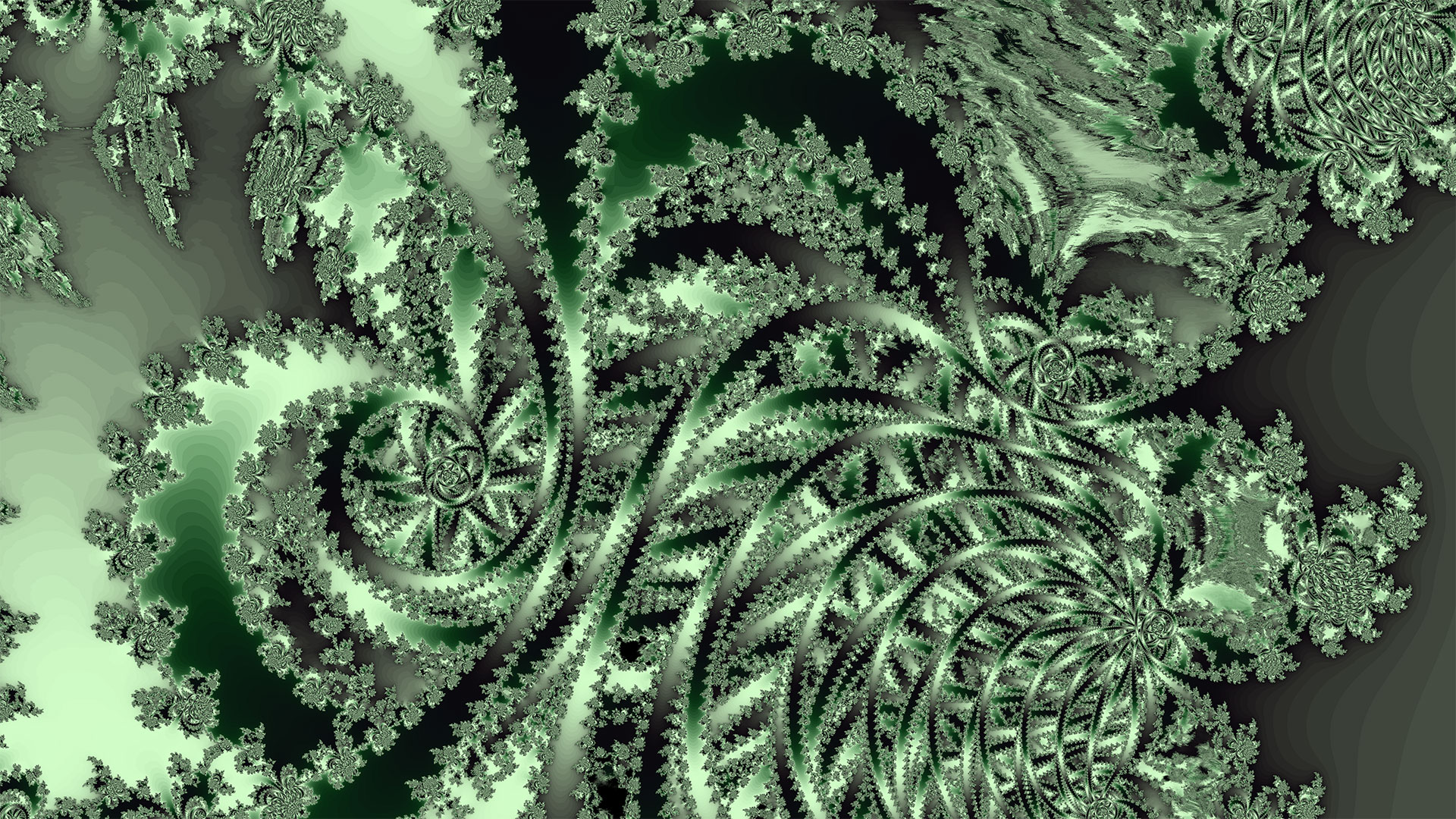
Just last week I tried a way of combining the Mandelbrot Set (nice shapes, but nothing new at this point) and the Burning Shi
Phillip
posted Jul 14 '20 at 1:27 pm
Hello,
This might be a dumb question, but I wasn't able to figure out where I can share parameters or formulas or other stuff, such that they make it into the public collections. Where do I upload or send them?
Best regards,
Phillip
KathyR
posted Jun 23 '20 at 10:53 pm
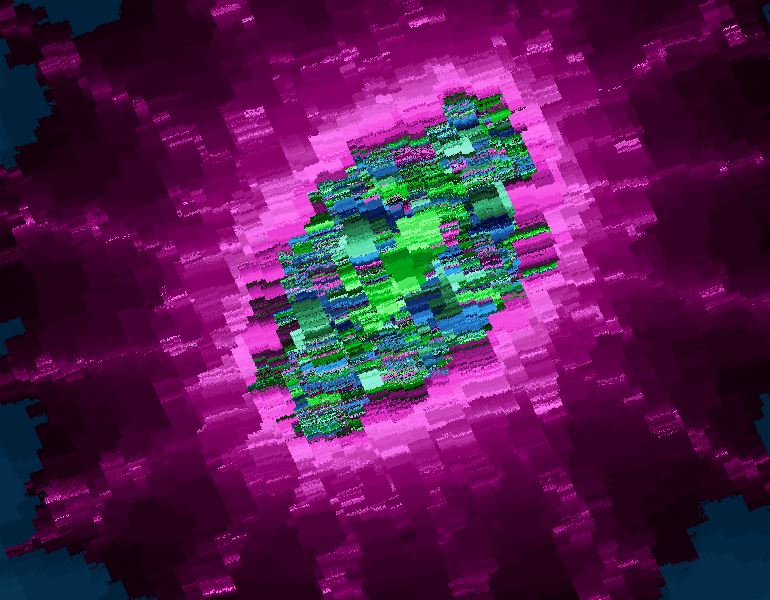
Why do I get this blurred distorted coloring? An inverse julia zoom:
MandelbrotJuliaZoomIncorrectColoring {
fractal:
title="Mandelbrot Julia zoom incorrect coloring" width=800
height=600 layers=1 credits="Kathy;6/23/2020"
layer:
caption="Background" opacity=100
mapping:
center=0.000993846291914812695705/0.000381483804274999567745
magn=1.2142773E10
formula:
gerrit
posted Jun 20 '20 at 5:52 am
log(1.20515621346031e463) outputs INF in normal precision, NAN in extended precision (tried with up to 1e6 extra digits).
JVYV
posted Jul 1 '20 at 11:57 am
Hi All,
There was one fractal last month.
You can find him and the older collections at the cloud of Microsoft:
https://onedrive.live.com/redir?resid=2AB35EAF574CA6CE!1034&authkey=!ALIZio6ZmgV1aAo&ithint=folder%2ctxt
Greetings from Belgium,
Jan Vyvey
KathyR
posted Jun 11 '20 at 11:10 pm
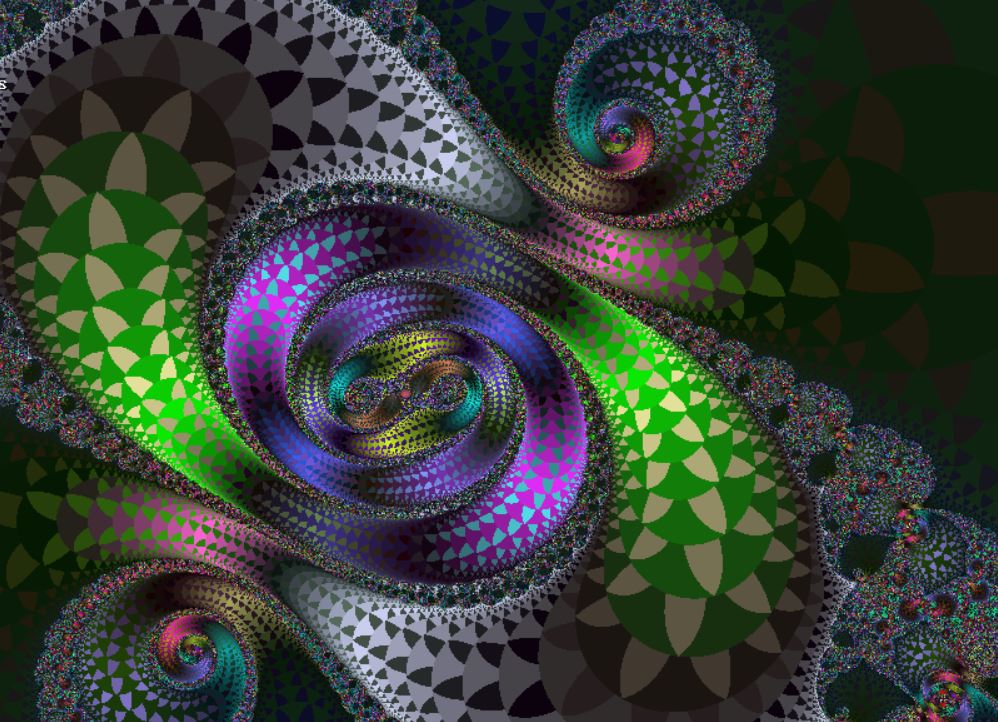
A favorite coloring of mine in XaoS Fractal Zoomer is one called Biomorph. It changes shape depending on the bailout used. A low bailout such as 8 gives a stubby wider shape and a high bailout results in a more pointed, spike shape. See the pics here. Is there anything similar to this in Ultra Fractal? Jam2.ucl has biomorph and Outside Options under Fractint (Compatibility folder) also has bi
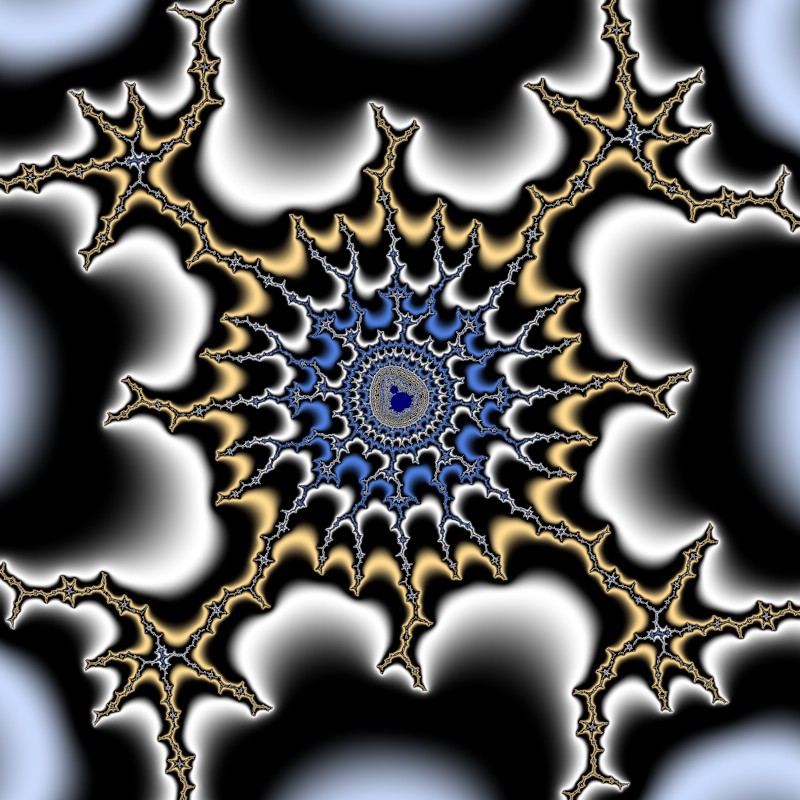
I've wanted to be able to add a vignette (a darkening of the corners and edges) to a fractal as is common in photo editing software, so finally I wrote one. It's Vignette in jlb.ucl.
It's a direct coloring, producing a layer with white at the center and grays to black at the edges. It is meant to be used as a top layer, with Multiply. Here are the parameters:
radius: inside this radius, t
JVYV
posted Jun 2 '20 at 1:00 pm
Hi All,
There was one fractal last month.
You can find him and the older collections at the cloud of Microsoft:
https://onedrive.live.com/redir?resid=2AB35EAF574CA6CE!1034&authkey=!ALIZio6ZmgV1aAo&ithint=folder%2ctxt
Greetings from Belgium,
Jan Vyvey
In the default section of a formula, I would like to be able to do the commented line below but the compiler does not allow it:
int param n1
min=1
endparam
int param n2
min=1
max=@n1 ; compiler says invalid setting
endparam
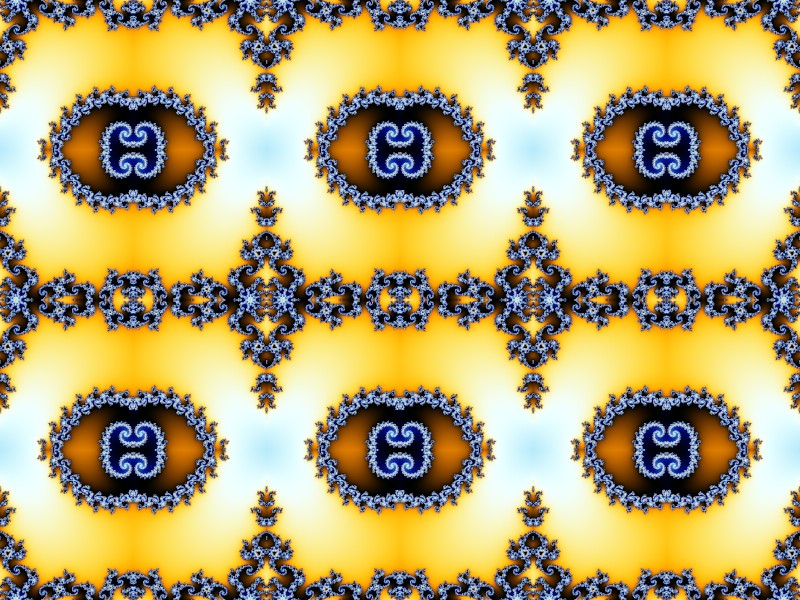
I've added a revised version of QuadMirror to jlb.ulb. QuadMirror2 is a transform that takes a rectangular block from a fractal layer and tiles the fractal evenly with the block, mirroring it both horizontally and vertically.
The user specifies the number of blocks in each direction, the center of the original block, and where the original block goes (unmirrored). Because of the mirroring, t